

Most AI prompt lists for researchers make the same mistake: they're generic. "Analyze this data" isn't a prompt - it's a wish. And wishes don't produce structured, trustworthy analysis.
The prompts below are different. Each one is built with enough context, constraints, and output formatting that you'll get usable results on the first try.
We organized them by research stage because that's how you'll actually use them: planning a study, building a screener, analyzing transcripts, synthesizing across studies, or presenting to stakeholders. Each prompt includes why it works and when to reach for it.
One important note before we start: AI is a tool, not a researcher. These prompts accelerate the mechanical parts of your workflow - organizing, formatting, pattern-matching, drafting. The judgment calls (what to research, what findings mean, what to recommend) are still yours. If you treat AI output as a first draft that needs your review rather than a finished product, you'll get enormous value from every prompt on this list.
These prompts help you move from "we need to do research" to a concrete plan faster.
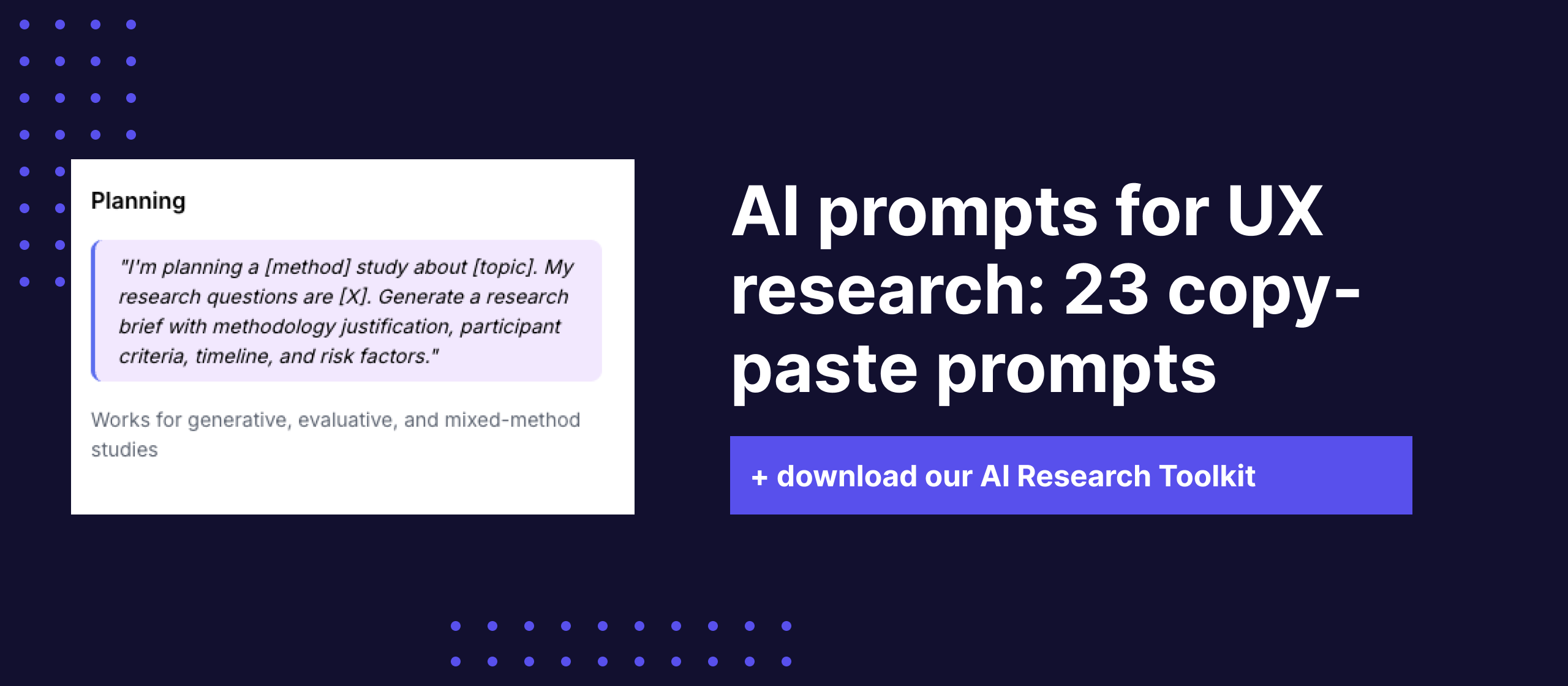
I need to plan a research study. Here's my context: Business question: [What decision does this research need to inform?] Target users: [Who are we trying to learn from?] What we already know: [Prior research, assumptions, existing data] Timeline constraints: [When does the team need results?] Resources: [Budget, team size, tools available] Generate a research brief that includes: 3-5 specific research questions (not vague objectives), recommended methodology with justification for why this method over alternatives, participant criteria (target profile + sample size with reasoning), estimated timeline broken into phases, success metrics: how will we know this research answered the question?, and risks: what could go wrong and how to mitigate. Format as a document I can share with stakeholders for alignment.
When to use it: At the very start of a project, when a PM or stakeholder has a question and you need to translate that into a structured research plan.
Why it works: The prompt forces you to provide context before Claude generates anything. The "what we already know" field prevents Claude from recommending research that duplicates existing knowledge.
Here are my draft research questions for an upcoming study: [Paste your draft research questions] For each question: 1. Is it answerable through the method I'm planning ([method])? 2. Is it specific enough to produce actionable findings, or is it too broad? 3. Could it be split into sub-questions that would be easier to answer? 4. Does it overlap with or duplicate any of the other questions? Then suggest a refined set of 3-5 research questions, ranked by priority.
When to use it: After your first draft of research questions, before finalizing your discussion guide. Especially useful when you're struggling to narrow scope.
Why it works: Most research projects try to answer too many questions at once. This prompt acts like a peer reviewer who pushes you to focus.
I need to choose a research method. Here's my situation: Research goal: [What I'm trying to learn] Stage of product: [Early concept / Prototype / Live product / Redesign] User access: [Easy to recruit / Hard to recruit / Have a panel] Timeline: [Days / Weeks available] What I need to deliver: [Qualitative insights / Quantitative validation / Both] Recommend the best method and explain: Why this method fits my situation, what it won't tell me, an alternative method if my first choice isn't feasible, sample size recommendation with reasoning, and estimated time commitment for moderating/analysis.
When to use it: When you're deciding between interviews, surveys, usability testing, card sorting, or other methods.
These prompts help you build better screeners and recruit more precisely. A weak screener wastes everyone's time - these prompts help you catch the gaps.
I'm recruiting participants for a study. Here's my target: Study topic: [What the research is about] Target persona: [Who I want to talk to] Must-have criteria: [Non-negotiable requirements] Nice-to-have criteria: [Preferences that aren't dealbreakers] Disqualifiers: [Who should definitely NOT be in this study] Number of participants needed: [N] Build a screener survey with: 8-12 questions that efficiently filter for my target, a mix of qualifying and disqualifying questions, attention check questions to filter careless respondents, response options that avoid obvious "right answers", and a scoring rubric so I can rank candidates, not just pass/fail.
When to use it: When setting up recruitment in Great Question or any screener tool.
Why it works: The scoring rubric is the key differentiator. Instead of binary pass/fail, you can rank-order candidates and invite the best matches first.
Write a participant recruitment email for a research study: Study type: [Interview / Usability test / Survey / etc.] Duration: [How long the session takes] Compensation: [What participants receive] Topic (vague enough to avoid bias): [General area without revealing hypotheses] Who we're looking for: [Participant criteria in plain language] Scheduling: [How to sign up] The tone should be: Friendly and respectful of their time, clear about what's involved, honest about why their input matters, not overly corporate or stiff. Write two versions: one for cold outreach and one for panel/existing users.
When to use it: When recruiting your own customers or reaching out to external participants.
This is where AI adds the most immediate value. These prompts handle the time-consuming organization work so you can focus on interpretation.
I'm analyzing an interview transcript. The study is about [topic] and the participant is [brief context about this person]. Here's the transcript: [Paste transcript] Analyze this transcript and identify: 1. KEY THEMES: 3-5 major topics with 2-3 direct quotes as evidence. 2. PAIN POINTS: What frustrated them? Be specific. 3. WORKAROUNDS: Creative solutions they've built to deal with problems. 4. EMOTIONAL MOMENTS: Where did their tone shift? 5. SURPRISES: Anything unexpected? Format as a structured summary for cross-interview synthesis.
When to use it: Right after cleaning a transcript (or with a clean transcript from Great Question). Run this on each interview individually before attempting cross-study synthesis.
Why it works: The "workarounds" and "emotional moments" sections are what separate good analysis from mediocre analysis. Workarounds reveal what people actually need (not what they say they need), and emotional shifts signal priority.
I've conducted [N] interviews about [topic]. Below are the individual summaries from each interview. [Paste summaries] Analyze across all interviews and produce: 1. CONSISTENT PATTERNS: Themes in 50%+ of interviews with participant count and range of perspectives. 2. CONTRADICTIONS: Where participants directly disagreed. 3. SPECTRUM FINDINGS: Topics where participants fell on a spectrum. 4. OUTLIER INSIGHTS: Things only 1-2 people mentioned that seem worth investigating. 5. CONFIDENCE ASSESSMENT: Rate confidence (high/medium/low) for each finding. Present findings in order of confidence, not frequency.
When to use it: After you've analyzed each interview individually. This is the synthesis step.
Pro tip: If working with more than 10 interviews, break into batches of 8-10 for the first pass. For large-scale synthesis, Great Question's repository handles cross-study analysis natively.
Here are notes from a usability testing session: Task: [What the participant was asked to do] Participant context: [Brief background] Notes: [Paste session notes or transcript] For each issue identified: DESCRIPTION, SEVERITY (Critical/Major/Minor/Cosmetic), FREQUENCY CUE, ROOT CAUSE HYPOTHESIS, USER QUOTE, and DESIGN ELEMENT. Also note: successful completions and positive moments.
When to use it: After each usability testing session, while the session is still fresh.
I have [N] open-ended survey responses to this question: "[The survey question]" The survey is about [topic/context]. Code these responses by: 1. Create a code book with 8-15 codes. 2. Apply 1-3 codes to each response. 3. Show summary statistics with code frequency. 4. Pull the 2 most articulate responses per code. 5. Note any surprises. Output the codebook first, then coded data as a table, then the summary.
When to use it: When you have 50+ open-ended responses to categorize. Manual coding at this scale takes hours; this prompt gets you a solid first pass in minutes.
Based on this research data: [Paste transcript, notes, or observation data] Map the participant's actual behavior (what they DID) separately from their stated preferences (what they SAID they do/want). Format as: SAID: [What they told us] DID: [What we observed] GAP: [Where said and did don't match, and what that might mean]
When to use it: During analysis of any research where you observed behavior alongside collecting self-report data. The say/do gap is one of the most important concepts in UX research.
Synthesis is where you move from "what happened" to "what it means." These prompts help structure that thinking.
Here are [N] observations/quotes/data points from my research: [Paste all data points] Run an affinity mapping process: 1. GROUP into 5-10 natural clusters with descriptive labels. 2. RANK by volume and significance. 3. IDENTIFY OUTLIERS that don't fit any cluster. 4. MAP RELATIONSHIPS between clusters. Present as a structured hierarchy for my own affinity mapping session.
When to use it: When you have a large volume of unstructured observations and need to find structure. This gives you a starting point - not the finished map.
I have findings from multiple research studies conducted over time: Study 1 ([date]): [Key findings] Study 2 ([date]): [Key findings] Study 3 ([date]): [Key findings] Compare across studies and identify: 1. PERSISTENT THEMES 2. SHIFTS between earlier and later studies 3. RESOLVED ISSUES 4. EMERGING SIGNALS 5. KNOWLEDGE GAPS
When to use it: During quarterly or annual research reviews. This is also one of the strongest use cases for Great Question's AI knowledge management features.
We have an existing persona: [Paste persona details] Here's data from our latest research: [Paste recent findings] Compare our existing persona against the new data: 1. CONFIRMED attributes 2. OUTDATED attributes 3. MISSING insights 4. SEGMENTS: Should this persona be split? Recommend specific updates with evidence for each change.
When to use it: Personas get stale. Run this after any major research project to check whether your team's mental model of the user still matches reality.
Research that doesn't reach stakeholders doesn't change anything. These prompts help you translate findings into formats that drive decisions.
Here are my research findings: [Paste synthesis or key themes with evidence] Create a 1-page executive summary for [audience: PM / VP Product / Design Lead / Cross-functional team]. Structure: HEADLINE FINDING, TOP 3 INSIGHTS with supporting quotes, WHAT THIS MEANS FOR THE PRODUCT, RECOMMENDED NEXT STEPS, and OPEN QUESTIONS. Constraints: Under 500 words, lead with the "so what" not the methodology, no research jargon, every insight must connect to a product or business decision.
When to use it: Before every stakeholder readout. The constraint about connecting every insight to a decision prevents the classic research problem: interesting findings that don't lead anywhere.
Here's a research insight: [Paste the insight with supporting evidence] Help me bridge from insight to actionable recommendation: 1. INSIGHT: Restate clearly 2. SO WHAT: Why does this matter? 3. EVIDENCE STRENGTH: How confident should we be? 4. RECOMMENDATION: Be specific about the action 5. TRADE-OFFS: What are we giving up? 6. HOW TO VALIDATE: What would confirm or disprove this? Format as a decision-ready artifact a PM can act on immediately.
When to use it: When you have strong findings but struggle to translate them into recommendations. This is one of the hardest skills in research.
I need to demonstrate the impact of a research project: Study: [What we researched and how] Key finding: [The main insight] Action taken: [What the team did based on the finding] Result: [What changed] Write this as a concise impact story (200-300 words) that opens with the business problem, shows the direct line from research to outcome, uses specific numbers, and doesn't oversell.
When to use it: Quarterly business reviews, research team presentations, budget justification conversations.
I need to compare findings across [dimensions/products/segments]: Dimension A: [Findings] Dimension B: [Findings] Dimension C: [Findings] Create a comparison table with key themes as rows, dimensions as columns, and evidence indicators in cells. Below the table, add KEY DIFFERENCES, SIMILARITIES, and IMPLICATIONS.
When to use it: When you've done comparative research and need a clear visual comparison.
Our team is building [product/feature]. Here are the assumptions baked into the current plan: [List assumptions or paste a PRD] For each assumption: 1. STATE IT CLEARLY as a testable statement 2. RISK LEVEL (High/Medium/Low) 3. EVIDENCE supporting or contradicting it 4. RESEARCH METHOD to test it Prioritize: Which assumptions should we test first based on risk and effort?
When to use it: At sprint planning or project kickoff, before committing engineering resources.
I need to evaluate the UX of a competitor product: Competitor: [Name] Task to evaluate: [The core user task/flow] Our product's approach: [Brief description for comparison] Evaluate on: 1. TASK COMPLETION 2. INFORMATION ARCHITECTURE 3. FRICTION POINTS 4. CLEVER SOLUTIONS 5. GAPS Be honest - if they do something better than us, say so.
When to use it: During competitive analysis phases. Pair with actual user testing of competitor products for the strongest insights.
Here's how our research team currently operates: Team size: [N] Studies per quarter: [Volume] Tools used: [List] Participant sources: [How we recruit] Repository: [Where insights live] Biggest bottleneck: [What slows us down] Assess and suggest: 1. TOOL CONSOLIDATION 2. PROCESS EFFICIENCY 3. SCALING STRATEGY 4. KNOWLEDGE MANAGEMENT 5. DEMOCRATIZATION What's the highest-impact change we could make this quarter?
When to use it: During research ops planning. If tool consolidation comes up as a priority, this is exactly the problem Great Question was built to solve.
Here's a discussion guide I've drafted: [Paste the full discussion guide] Review for: 1. LEADING QUESTIONS 2. CLOSED vs. OPEN questions 3. FLOW and rapport building 4. COVERAGE against research objectives 5. TIMING for a [duration]-minute session 6. PROBE QUALITY Rewrite any flagged questions with improved alternatives.
When to use it: Before your first session. Having a second set of eyes catches leading questions and closed-ended traps.
A [PM / Designer / other non-researcher] wants to run a quick research study: Question: [Their research question] Users: [Who they want to talk to] Timeline: [When they need answers] Help them plan a lightweight study that matches a method to their question, has guardrails against common mistakes, includes a simple analysis framework, and defines when they should loop in a researcher instead.
When to use it: When product managers or designers want to run their own research. Great Question makes this safe at scale with templates, participant panels, and AI analysis.
Here's our context for next quarter: Product priorities: [What the product team is focused on] Known knowledge gaps: [What we don't know] Previous quarter's studies: [Brief summary] Team capacity: [How many studies we can run] Stakeholder requests: [Research asks from various teams] Create a quarterly research roadmap that: 1. PRIORITIZES by business impact 2. SEQUENCES logically 3. BALANCES generative and evaluative research 4. ACCOUNTS for capacity 5. IDENTIFIES concurrent opportunities 6. NOTES which studies non-researchers could run Include a rationale for what we're choosing NOT to do this quarter.
When to use it: During quarterly planning. The instruction to justify what you're not doing is as important as the plan itself.
A few principles that make every prompt work better:
These prompts are written for Claude (Sonnet or Opus), but the structure works with any capable language model. The key is the prompt structure: context, constraints, and output format. That translates across models.
Check your organization's data policy first. Most enterprise AI agreements cover this, but it's worth confirming. For sensitive projects, consider using a local model or anonymizing transcripts before processing. Great Question's AI processes data within the platform's security framework, which may be simpler for compliance.
Yes - please do. These are starting points. Your team's research practice, terminology, and workflow are unique. Adapt the output formats, add your own taxonomy, remove sections that don't apply. The best prompt is the one your team actually uses.
Most lists give you 50-100 one-line prompts with no context. These 23 prompts are designed to produce usable output on the first try, with enough structure that you don't need prompt engineering skills. Quality over quantity.
Start with prompts for tasks you do occasionally. Once you find prompts you use on every project, convert them to skills. Stay tuned for our guide to Claude Skills for UXRs coming soon (subscribe to our newsletter below).



Tania Clarke is a B2B SaaS product marketer focused on using customer research and market insight to shape positioning, messaging, and go-to-market strategy.




