

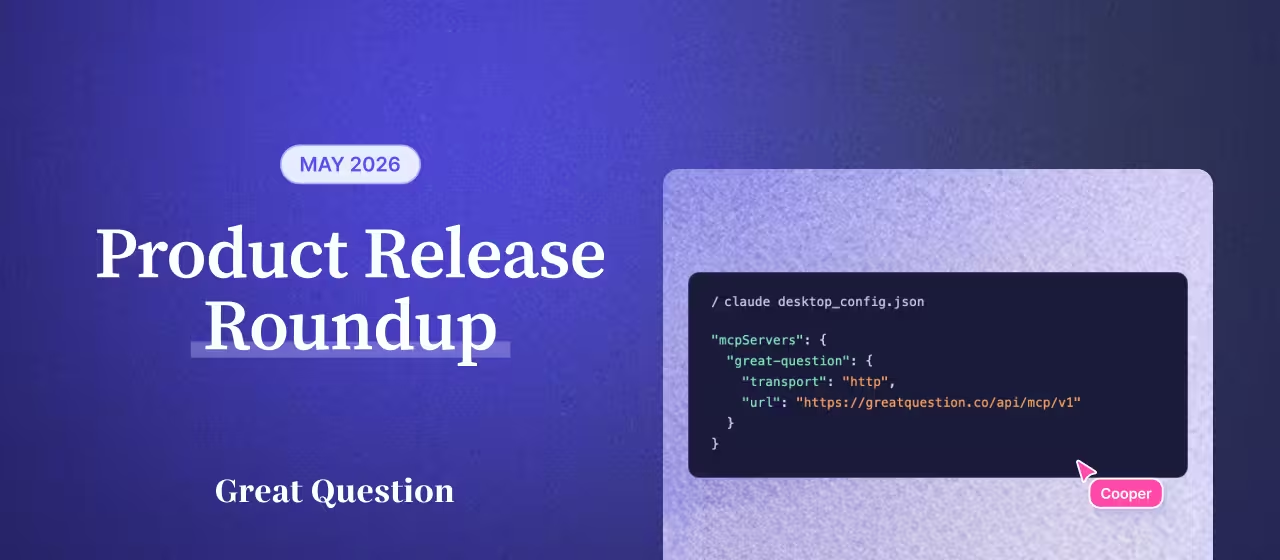
Great Question MCP just got more powerful, with even more tools than before. It's the most complete MCP for user research, turning any AI tool into a research interface.
Plus, in-person interviews where the participant provides the location, and concealed identity studies, now available to more accounts.
Your AI tool is now a research workspace. From planning a study to pulling the insights, you can run the whole workflow without leaving your tool. Generate qualifying questions in ChatGPT, sketch a usability test for the prototype you're building in Cursor, pull last quarter's sessions into Claude to draft a discussion guide, or send screener invitations from Gemini.
New this month:
Available to workspaces with MCP enabled. Admins can enable it from Settings > AI & MCP.

Some of you are already building your own Claude skills on top of Great Question's MCP. One customer built a skill that generates synthetic personas from their GQ repo to pressure-test research plans before they run them. We want to see more of what you're building.
If you've built a Claude skill, ChatGPT agent, or Cursor prompt that does something interesting with Great Question, send it in. If you're open to it, the best submissions may get a spotlight in a future newsletter.
Want some inspiration? The team has a starter pack of skills and prompts in the AI research toolkit.
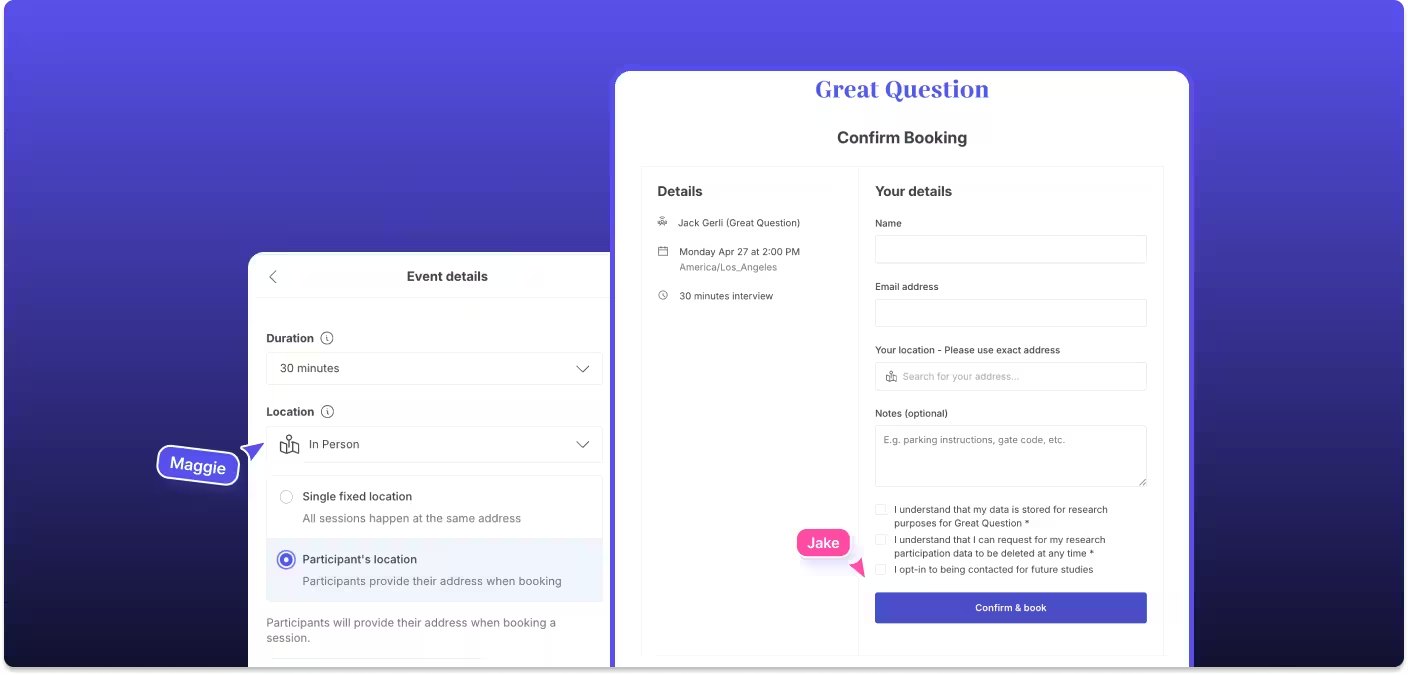
Interview studies now support a "Participant's location" setting. Participants enter their own address at booking, and it flows into the calendar invite, confirmation, and reminder emails. Works for Follow Me Homes, In-Home Usage Tests, contextual inquiry, ride-alongs, or any in-person session where you’re meeting a participant at their preferred location.
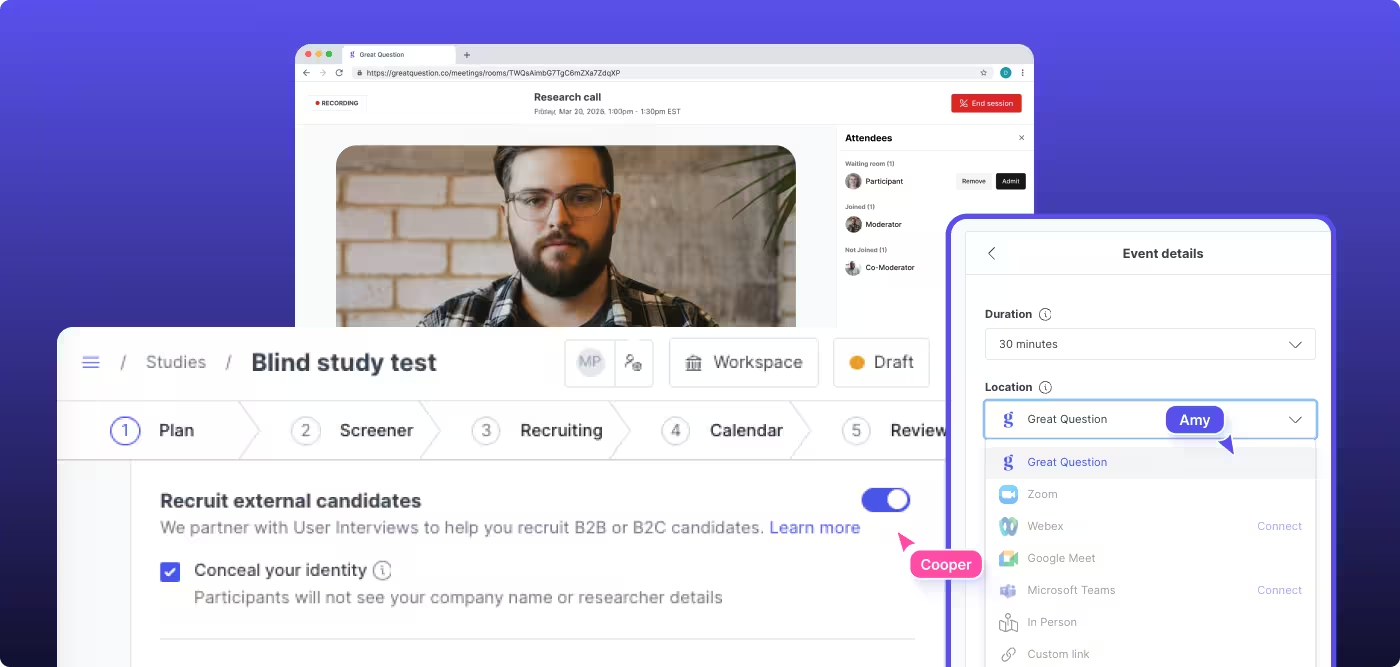
Now live for interviews recruiting from an external panel. Run video interviews where your moderator's name and company branding are hidden from the participant. Booking pages, calendar invites, consent forms, and the call itself all use neutral language. Moderators appear as "Moderator" by default.
Common use cases:
Request a live demo and pilot access →
Great research doesn't make people leave their workflow to do it. This month brings Great Question a little closer to where you and your participants already are.





.png)