Great Question
AI

Research, reimagined with AI

AI research magic icon
AI

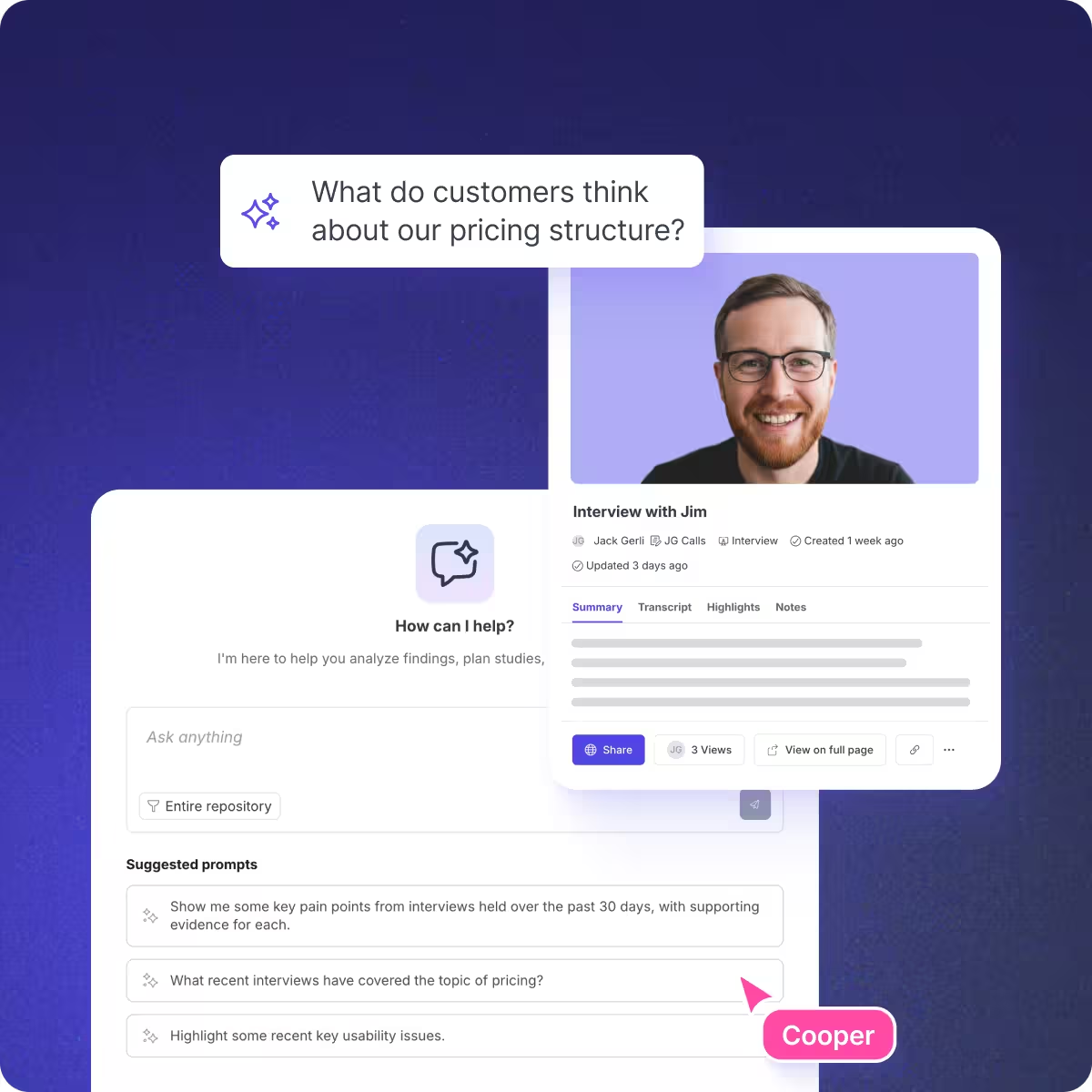
Great Question AI works at every level of your research. It auto-generates summaries, chapters, highlights, and tags after every session. It lets you ask questions and synthesize themes across your entire repository. And with native MCP support, it connects all of that directly to Claude, ChatGPT, and Cursor, so your research shows up wherever your team is already working.
Ask AI

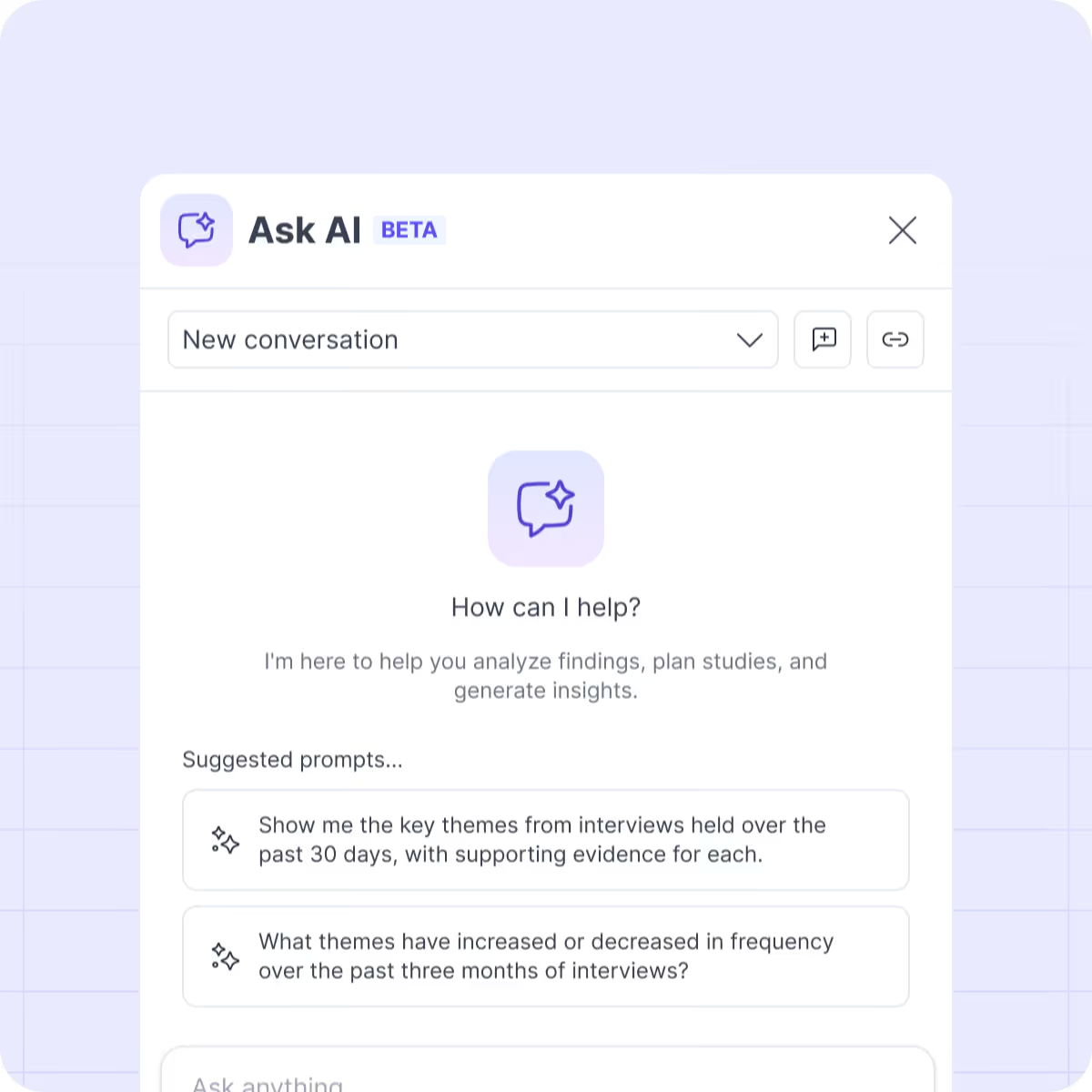
Ask your repository questions

Query your entire research repository and hours of interview data in seconds. It has never been easier to extract insights from research.
Send icon
Ask for specific quotes, insights, or answers to questions
Report icon
Ask for a custom summary or report
AI-Assisted Synthesis

Automate study summaries

After every interview, Great Question AI can automatically generate:
Summaries icon
Summaries of key takeaways & themes
Interview chapters icon
Chapters for easy video navigation
Highlight icon
Highlights based on your study goal
Research tag icon
Tags to organize all of your artifacts
Privacy & Traceability

Trust, but verify

Link icon
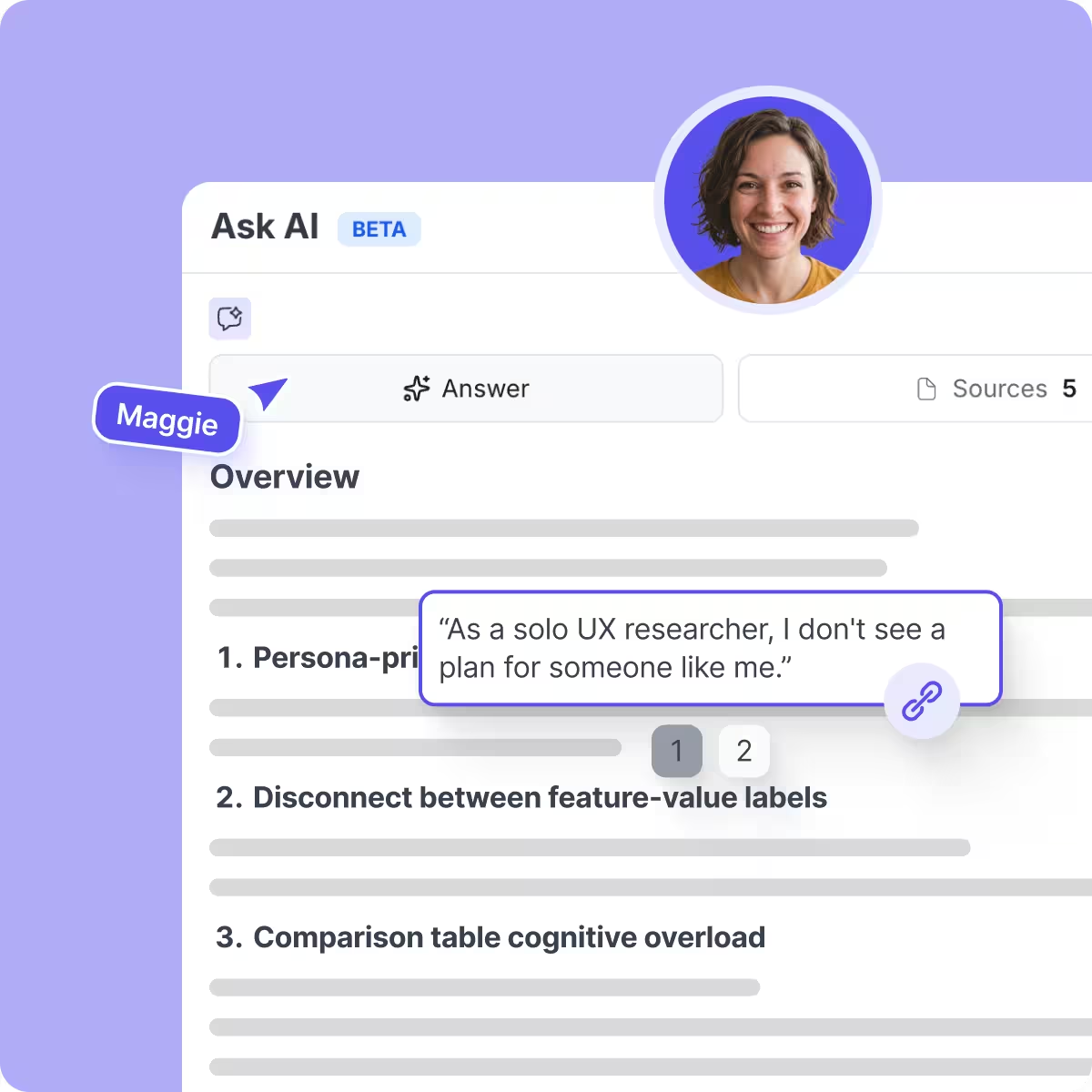
Every quote is linked to its original transcript, so you can jump to the exact moment it occurred and verify accuracy.
Security icon
Great Question masks PII from AI, so data will never be used by 3rd parties for training future models.
MCP

Connect research to your AI tools

Give Claude, ChatGPT, or Cursor direct access to your research repository. One connection to all your customer insights.
Summaries icon
Query your entire research library from any MCP-compatible AI tool
Interview chapters icon
Synthesize across studies, transcripts, and highlights in a single prompt
Highlight icon
Pull findings into PRDs, design reviews, and Slack threads mid-conversation
Research tag icon
PII redacted by default, with role-based permissions applied automatically
AI Moderated Interviews

Extend qualitative reach

Run adaptive, natural interviews using AI moderated interviews that follow up, probe, and adjust in real time. Built for researchers who need more than surveys, but don’t have time for 100s of interviews.
Copy icon
Integrated with recruitment, methods, and repository so insights flow
Interview chapters icon
Scale qualitative research with conversation-level depth

What our customers are saying

Olivier Thereaux headshot

"The automated summaries and chapters perfectly complement the already excellent transcripts. They save me time when checking how an interview went, or synthesizing my own studies."


Olivier Thereaux
Director of Product Research
Raz Schwartz headshot

"With Ask AI, we can now get an initial analysis of hours of interviews in minutes. This feature helps us move faster when understanding user needs and problems and creating features to address them."


Raz Schwartz
Sr. Director, Design, Research & Content
Boaz Douyon headshot

"The AI Assistant has expedited my data analysis process and streamlined the time to provide early research insights to our organization. Thank you for developing a tool that makes my job easier."

Boaz Douyon
UX Researcher

Try Great Question AI free for 14 days

Frequently asked questions

What AI features does Great Question have?
Great Question AI auto-generates summaries, chapters, highlights, and tags after every interview session. You can also ask questions across your full research repository to synthesize themes and surface quotes from any study. With MCP support, your research connects directly to AI tools like Claude, ChatGPT, and Cursor.
How does AI work for user research?
Great Question AI processes your session recordings and transcripts automatically. After each interview, it generates a structured summary, marks key highlights based on your study goal, creates navigable chapters, and suggests tags. You don't need to configure anything beyond enabling it in your AI Preferences.
Why use Great Question’s AI features over other standalone AI tools?
Bullet point
Meets you where you’re at: Our AI features are thoughtfully designed to augment your existing research workflows on Great Question
Bullet point
Pre-integrated: Each AI query receives the right data and context it needs to perform the task, resulting in responses that are relevant and high-quality.
Bullet point
Query large studies: You can easily query large studies with up to 50 hours worth of interview transcripts, something that isn’t possible with tools such as ChatGPT.
Bullet point
Security and privacy controls built in: Data containing PII is automatically masked by Great Question, and data will not be used by 3rd parties for training future models.
What AI model does Great Question use?
Ask AI is powered by the latest AI models.
Is any PII sent outside of the Great Question platform?
Speaker names and interview titles are masked by Great Question, so they are not sent to OpenAI. When the AI returns the response, we re-attach this information. We also attempt to remove any PII included in the spoken and transcribed text of interviews.
Will my data be used to train new OpenAI models?
No – we have prohibited the use of any data sent to OpenAI for training models.
Do AI responses contain hallucinations?
Hallucination is rare because we instruct the AI to make statements and quotes from the context document that we supply it with, rather than relying on its internal knowledge from training. We were not able to produce any significant hallucinations in our tests.

When the AI generates quotes, we find the corresponding section of the transcript and hyperlink it, providing assurance that the quote is verbatim.

However, LLMs can make mistakes, so care needs to be taken to check responses before they are published or acted on.
What information is provided to the AI?
It varies between different AI features, but we generally supply anonymised interview transcript excerpts, study metadata (e.g. research goal), and tagged highlights to the AI to produce responses.
Are there usage limits?
Usage of AI features is not limited, but is subject to fair use policies.