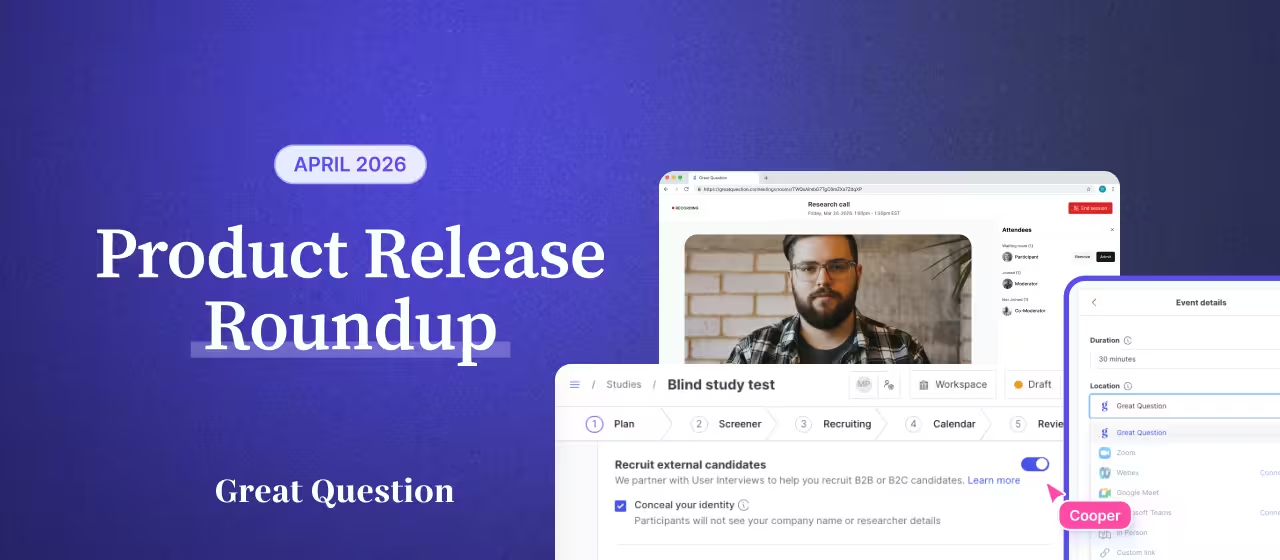
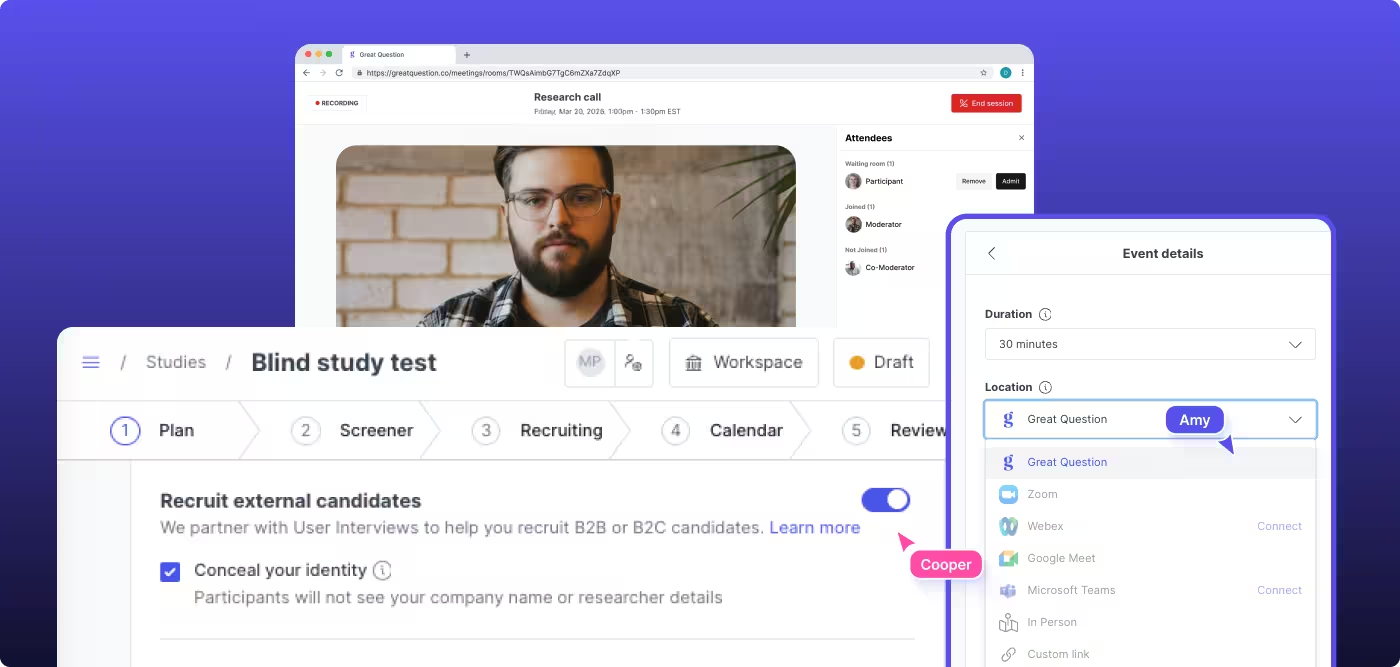
You can now run competitive research without workarounds, even with strict privacy or legal requirements. One setting strips your identity from every participant touchpoint.
Concealed identity studies are here.
And they're not the only thing we shipped this month. Say hello to an MCP integration with 70 tools that lets you run research from your AI tools and a redesigned onboarding tailored to each user's role and intent.
Meet Concealed identity studies. A new "Conceal your identity" study setting strips researcher and company identity from every participant touchpoint: booking confirmations, scheduling pages, consent forms, and the call itself.
The secret ingredient: our new native video calling. Calls are hosted by Great Question, so there are no company names in URLs or call metadata. Moderators appear as "Moderator" by default. Full host controls, waiting room, screen sharing, and automatic recording are all built in.
This was one of the most requested enterprise features. Teams doing competitive research, working in privacy-sensitive industries, or under legal constraints no longer need workarounds. Available for moderated interviews with external recruitment, with progressive rollout starting this week.
Great Question now supports the Model Context Protocol with 70 tools spanning the full research workflow. Set up a study from a Claude conversation, configure screeners from Cursor, send invitations from ChatGPT, or search across your entire repository of sessions, transcripts, and insights.
You can create and manage candidates, studies, screeners, scheduling, and invitations, all from any AI tool that supports MCP.
Request access today →

The latest addition to the Enterprise Governance Suite. Admins can now control whether the "auto-complete and pay incentives 24 hours after interview" automation can be enabled on studies. If your team runs compensation externally or needs to review amounts before paying, researchers can no longer accidentally bypass that step. Default preserves current behavior, so nothing changes unless you want it to.
Request a live demo and pilot access →
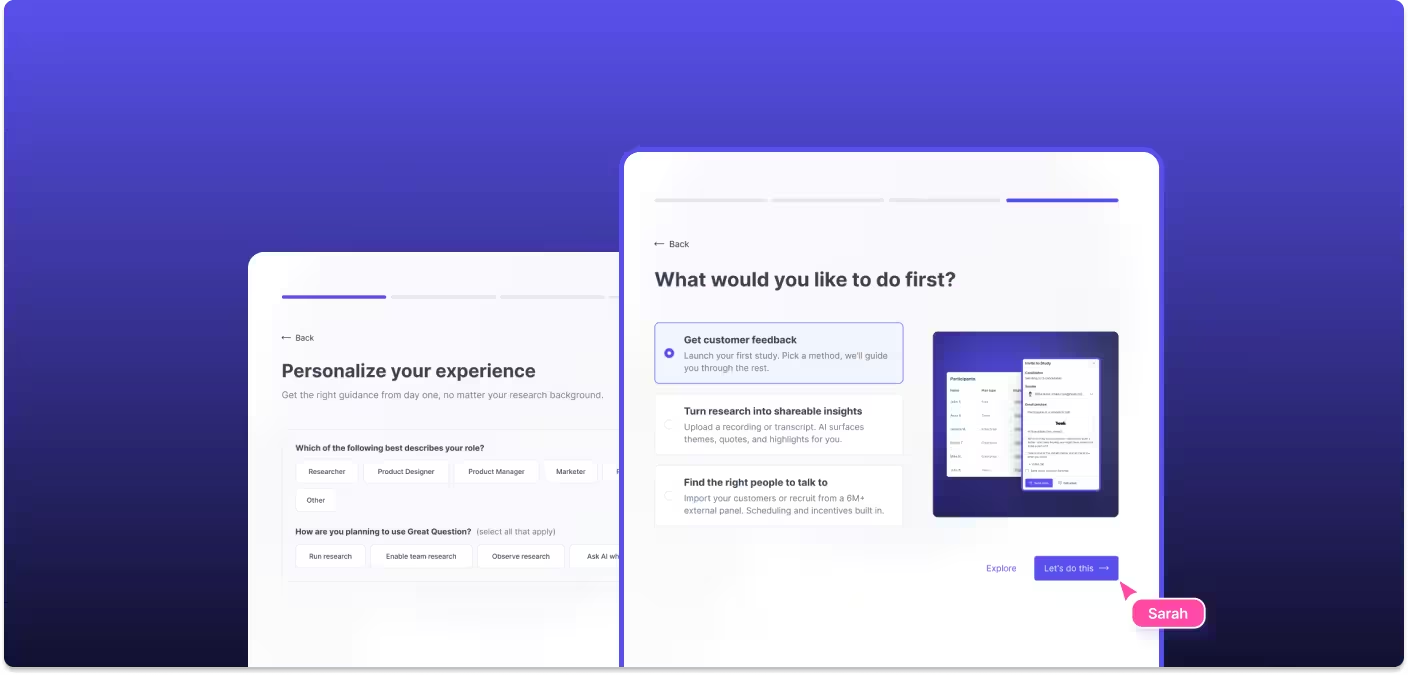
From the moment they sign up, new users are guided through workspace entry, team selection, integrations, and tailored "what to do first" recommendations based on their role. Every step is designed to get people doing research instead of figuring out how.
Research should reach more people, with fewer barriers, in less time. Everything we shipped this month is built to make that real.